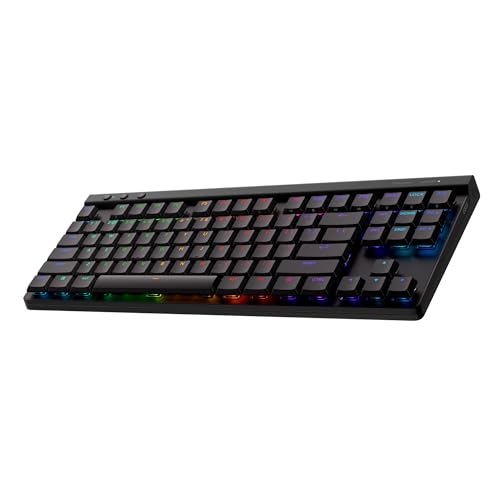
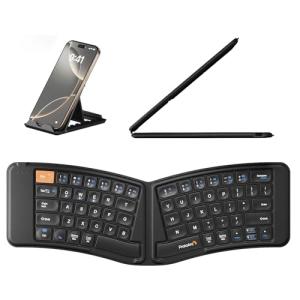
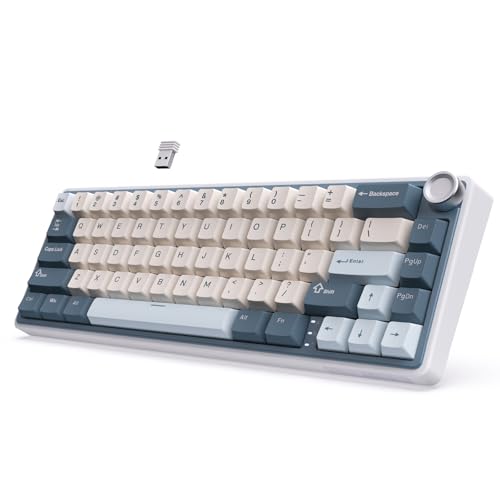
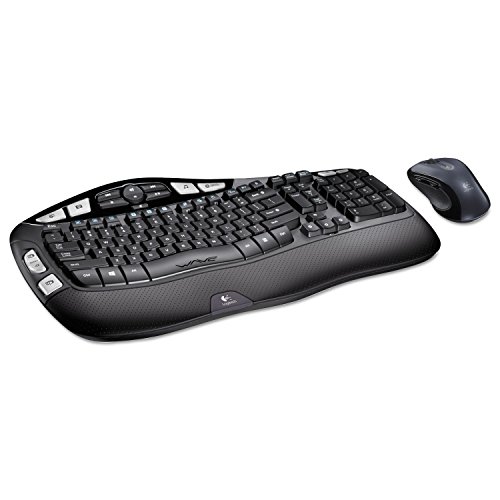
Best Mechanical Keyboards for Gaming and TypingA good mechanical keyboard can significantly improve your typing speed, accuracy, and gaming performance. Unlike standard membrane keyboards, mechanical keyboards offer better tactile feedback, durability, and a more satisfying typing experience.In this complete buyer’s guide, we explain the different types of mechanical switches, key features to look for, and practical recommendations to help you choose the best mechanical keyboard for gaming and everyday typing.Why Mechanical Keyboards Are Worth It
Mechanical keyboards provide:
You can find a wide selection of mechanical keyboards for gaming and typing by browsing our Keyboards category.Typing & Gaming Tip
Try different switch types if possible. Many people prefer Brown switches as a versatile “all-rounder” that works well for both gaming and daily typing.Disclaimer
The information in this buyer’s guide is for educational and informational purposes only. It is not intended to replace professional advice. Individual results may vary. Always check compatibility with your setup before purchasing.Ready to Upgrade Your Keyboard?
Browse our Keyboards category today for quality mechanical keyboards. We focus on linking you to the best current deals from trusted retailers so you can enjoy better typing and gaming performance.
Mechanical keyboards provide:
- Superior tactile feedback and key feel
- Much longer lifespan (often 50–100 million keystrokes per key)
- Better customization options
- Improved accuracy and reduced typing fatigue
- Red Switches: Linear, smooth, and quiet. Popular for gaming due to fast actuation.
- Blue Switches: Tactile and clicky with audible feedback. Great for typing but louder.
- Brown Switches: Tactile but quieter than blue. A good middle ground for both gaming and typing.
- Black Switches: Heavier linear feel, good for users who prefer more resistance.
- Switch Type – Choose based on whether you prioritize gaming speed, typing feel, or quiet operation.
- RGB Lighting – Customizable backlighting for aesthetics and visibility in low light.
- Build Quality – Aluminum or high-grade plastic frames for durability.
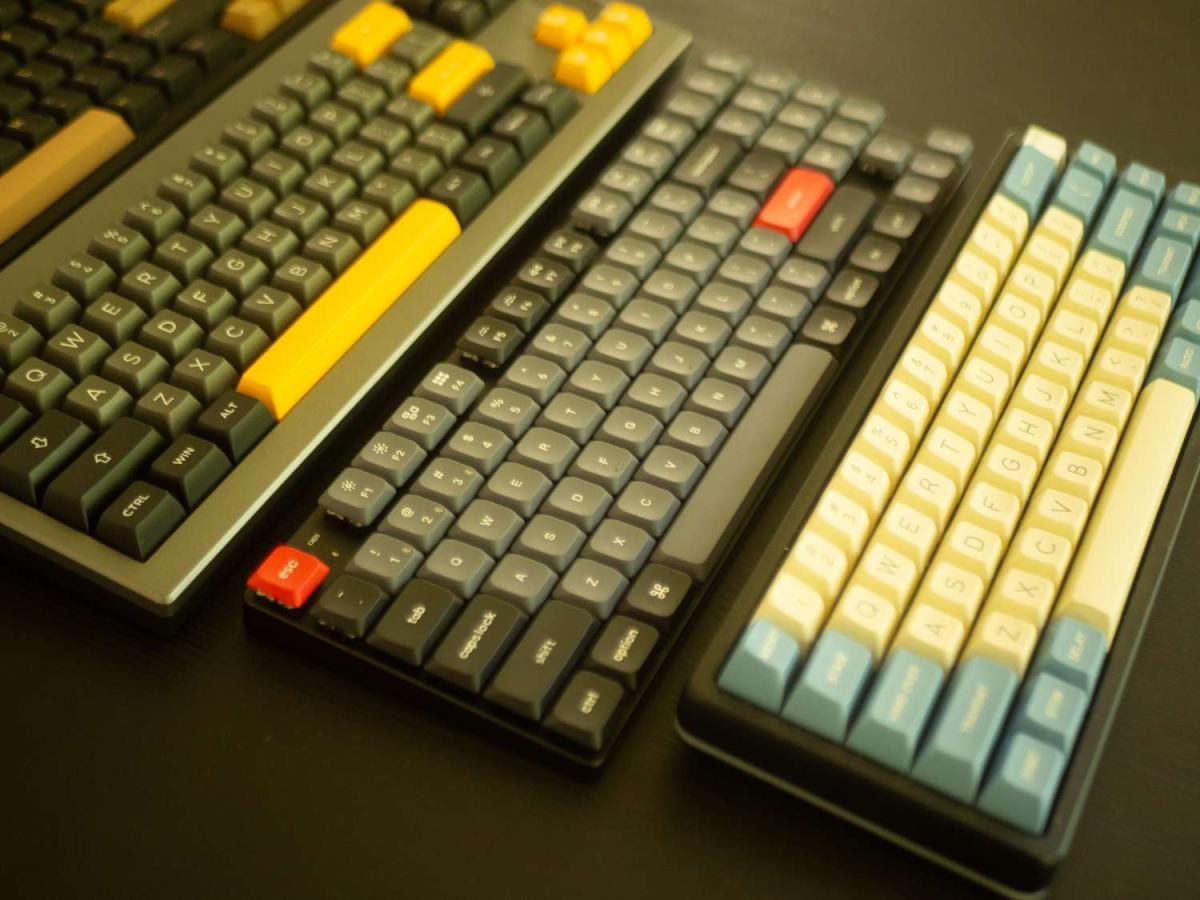
- Key Layout – Full-size, TKL (tenkeyless), or 60% for different desk space needs.
- Wired vs Wireless – Wired offers zero latency; wireless is more convenient.
- Pure Gamers: Go for Red or Brown switches with fast response and RGB lighting.
- Typists / Office Use: Blue or Brown switches with a comfortable layout.
- Budget Buyers: Start with a reliable entry-level mechanical keyboard.
- Space Constraints: Consider TKL or 60% layouts to save desk space.
You can find a wide selection of mechanical keyboards for gaming and typing by browsing our Keyboards category.Typing & Gaming Tip
Try different switch types if possible. Many people prefer Brown switches as a versatile “all-rounder” that works well for both gaming and daily typing.Disclaimer
The information in this buyer’s guide is for educational and informational purposes only. It is not intended to replace professional advice. Individual results may vary. Always check compatibility with your setup before purchasing.Ready to Upgrade Your Keyboard?
Browse our Keyboards category today for quality mechanical keyboards. We focus on linking you to the best current deals from trusted retailers so you can enjoy better typing and gaming performance.